





Jeneratör
Tarih
Model
Temel
Anahtar
Referans kat planı
Yükle
yatakOdası
-
2
+
banyo
-
1
+
Brüt alan
Birim Metrik
 imparatorluk
Metrik imparatorlukBölge
< 50㎡
50-80㎡
80-100㎡
100-120㎡
120-150㎡
> 150㎡
Ekstra özellikler
Herhangi bir şeyi özellikle arıyor musunuz?
örneğin: Parlak renkler, yumuşak aydınlatma ve minimalist tasarıma sahip modern tarz oturma odası.
 Sayı
Sayı
Design Your Ideal Space with Our AI-Powered Office Blueprint Maker
Revolutionize how you visualize and plan commercial spaces. Ideal House's AI Floor Plan Generator is the ultimate office blueprint maker, transforming your conceptual requirements into precise 2D floor plans in seconds. Whether you're mapping out new office layouts, redesigning existing workspaces, or creating detailed blueprints for clients, our tool simplifies the entire process. Get clear, presentation-ready floor plans that streamline decisions and accelerate project timelines. Generate your floor plan in a few clicks.
Generate My Floor Plan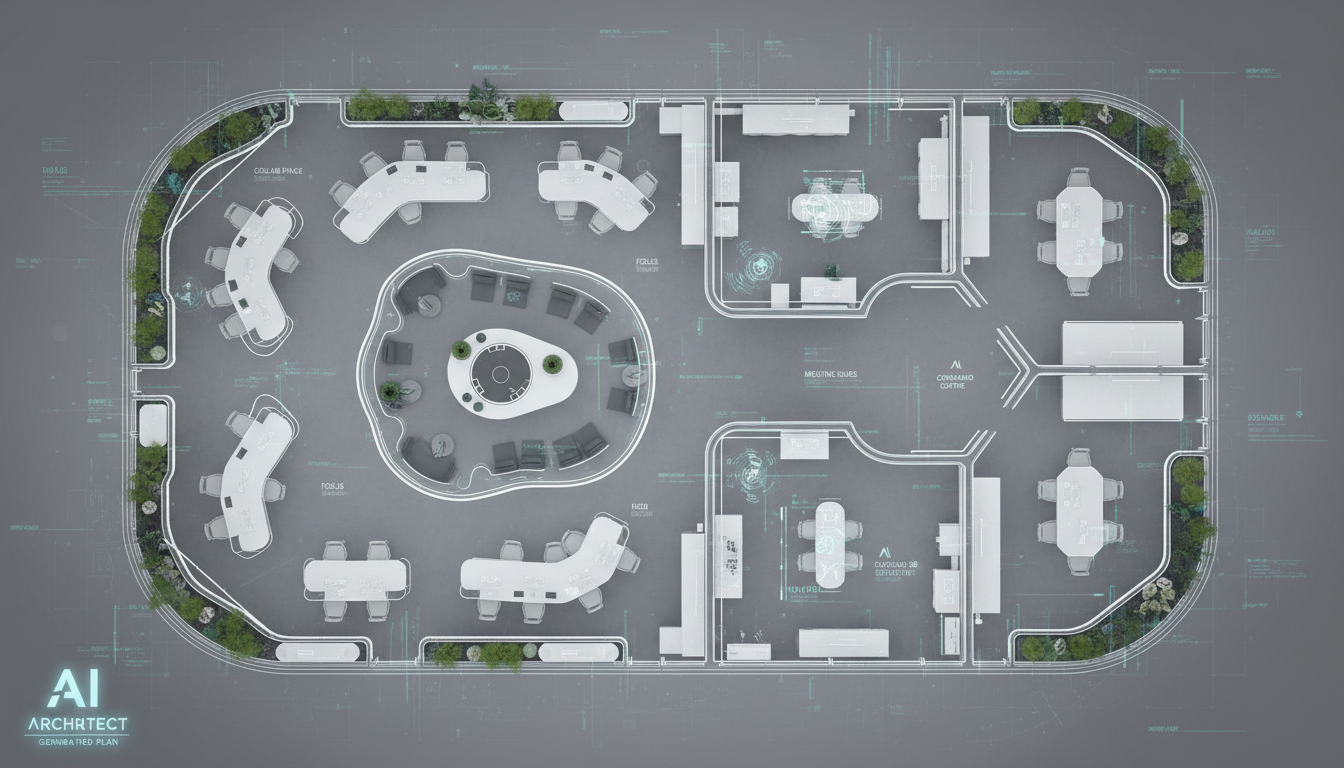


Why Ideal House is Your Go-To Office Blueprint Maker
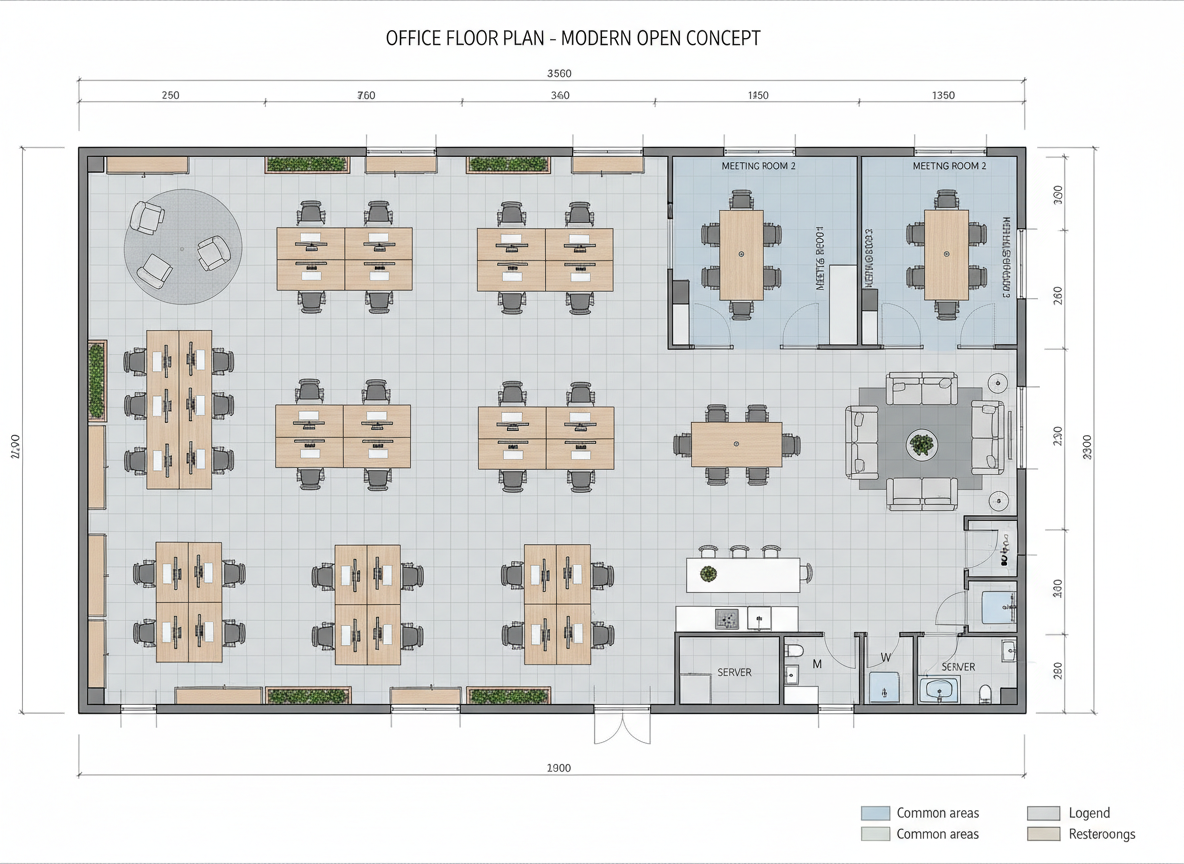
Rapid 2D Floor Plan Creation
Say goodbye to tedious manual drafting. Our AI Floor Plan Generator allows you to quickly generate detailed 2D floor plans by simply inputting your desired parameters. This lightning-fast process makes it an indispensable office blueprint maker for professionals needing instant visual concepts for new office designs or modifications. Explore multiple layouts without delay.

Intelligent Spatial Design
Beyond just drawing lines, our tool acts as an intelligent spatial design program. It understands the relationships between different areas of an office, optimizing room layout for flow and function. Specify bedrooms (for mixed-use or residential conversions), bathrooms, kitchen styles, and gross area ranges, and watch as our office blueprint maker intelligently crafts a cohesive building plan. It's a smart floor plan creator that learns from your inputs.
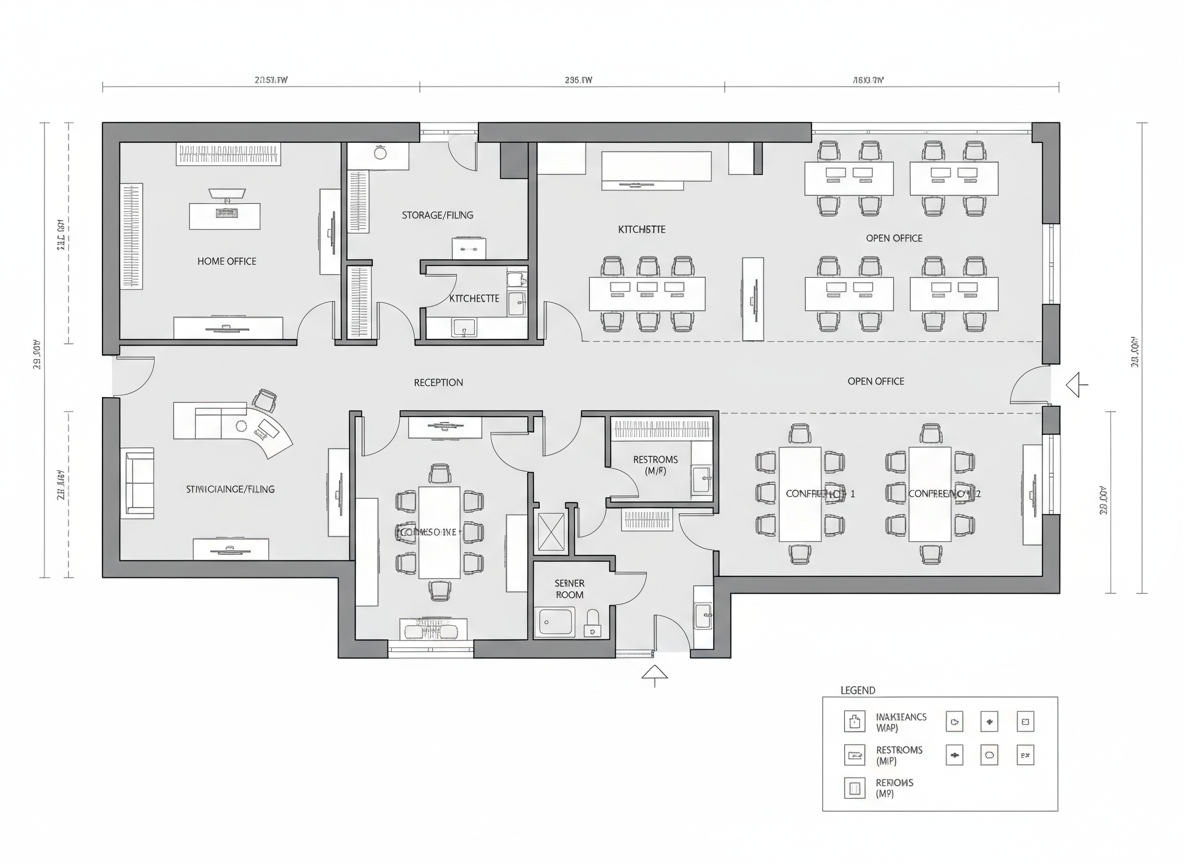
Customizable Layouts with Key Extras
Tailor your office blueprint to exact specifications. Add critical features like a home office (for executive suites), storage rooms, utility areas, or even balconies for breakout spaces. These 'extras' help our AI floor plan maker understand your unique needs, creating custom floor plans that reflect your vision. This detailed customization makes it an ideal construction blueprint app for diverse project requirements, from open-plan offices to private workspaces.

Enhanced Collaboration and Presentation
Our AI Floor Plan Generator is more than an office blueprint maker; it's a powerful tool for collaboration. Easily export and share high-quality 2D floor plans with clients, contractors, and team members. The clear, consistent visuals generated by our floor plan software ensure everyone is on the same page, accelerating approvals and reducing miscommunications. It's perfect for creating professional house plans or commercial floor plans for any presentation.

Who Benefits from Our Office Blueprint Maker?

Real Estate Professionals: Generate consistent 2D real estate floor plans for commercial listings, attracting more buyers and tenants with clear visuals.

Architects & Interior Designers: Rapidly create and iterate on design blueprints and room layout designs for diverse commercial and residential projects, streamlining initial concepts.

Business Owners & Facility Managers: Efficiently plan and reconfigure office spaces, ensuring optimal use of square footage and improving employee productivity with a smart layout generator.

Simple Steps to Create Your Office Blueprint
1
Set Rooms: Define the number of bedrooms (0-4) and bathrooms (1-3) relevant to your mixed-use or commercial project's needs. Default is 2 bedrooms and 1 bathroom, but adjust for specific office blueprints.
2
Choose Kitchen Style: Select 'open' or 'closed' kitchen (default: open) to align with your office's breakroom or kitchenette design, influencing the overall flow of your floor plan.
3
Pick Gross Area: Choose the gross area range that best matches your desired office footprint. This guides the AI floor plan maker in proportionally sizing your spaces, creating a realistic blueprint drawing tool experience.
4
Add Extras: Multi-select key features like a home office, storage, utility room, or combined living-dining for multi-functional spaces. These extras help refine your custom floor plan.
5
Generate & Review: Click 'Generate' to instantly see your 2D floor plan. Review the results, tweak your selections, and regenerate to compare different versions. Our office blueprint maker saves all your drafts.
6
Download & Share: Export your finalized office blueprint as an image or PDF, ready to share with stakeholders or integrate into your project documentation. It's a quick and efficient floor plan creator.
FAQs About Our AI Floor Plan Generator
How does this office blueprint maker interpret my selections?
Our AI floor plan generator processes your inputs for beds, baths, kitchen type, gross area, and extras. It then applies architectural drafting software principles, common adjacency rules, and spatial design program logic to draft a clear 2D floor plan. Each generation provides a fresh concept, allowing you to iterate effortlessly.
What are the available ranges for inputs?
You can select 0-4 bedrooms (default 2), 1-3 bathrooms (default 1), and choose between open or closed kitchen (default open). Gross Area ranges are categorized for flexible sizing, and extras like a walk-in closet, home office, or combined living-dining can be multi-selected to enhance your custom floor plan.
How does the 'Gross Area' selection affect my office blueprint?
The Gross Area band is crucial for guiding the overall scale and proportions of your office blueprint. Selecting the closest range ensures that the rooms and circulation spaces feel appropriate and realistic for the intended footprint, creating a more believable building plan.
What's the difference between an 'open' and 'closed' kitchen in an office context?
In an office setting, an 'open' kitchen (or breakroom) promotes a continuous, collaborative feel, often integrated with common areas. A 'closed' kitchen provides a more defined, private space for preparing food, minimizing distractions. This choice significantly impacts the room layout designer's output.
What impact do the 'Extras' have on the generated floor plan?
The 'Extras' you select tell the AI floor plan maker which specialized spaces to prioritize and how to integrate them. For example, a 'home office' might be placed in a quieter zone, or 'storage' strategically located near high-traffic areas, optimizing your office blueprint. It guides the layout generator for specific needs.
Enhance Your Designs with Related Ideal House Tools
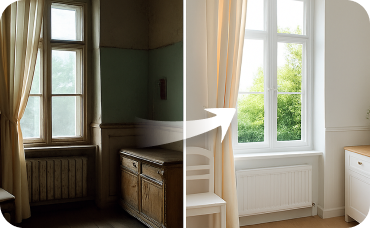
Interior Remodel
Bring the natural, modern aesthetic indoors by visualizing interior spaces that match your exterior style.
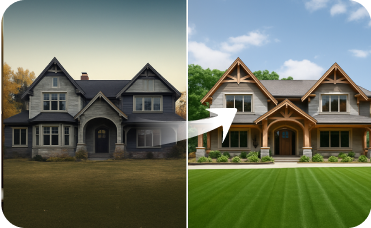
Exterior Renovator
Extend your design vision to your home's curb appeal with AI-powered exterior updates.
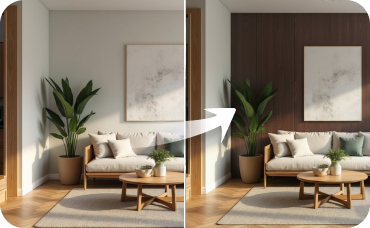
Room Visualizer
Experiment with different wall colors and flooring options to perfectly complement your Serenity Flow design.
Ready to Transform Your Office Design Process?
Experience the speed and precision of Ideal House's AI Floor Plan Generator, your ultimate office blueprint maker. Create professional, share-ready commercial floor plans in minutes.
Generate My Floor Plan
Ideal.House Bu sadece bir platformdan daha fazlası — ev tasarımı için kapsamlı bir ev ekosistemi. İç mekan tadilatı, dış mekan tadilatı, peyzaj tasarımı gibi güçlü AI araçlarıyla harika alanlar oluşturun ve HouseGPT'in alanları planlama, inşa etme ve dekore etme için kişiselleştirilmiş önerilerle size yol göstermesine izin verin. Fikir ve ipuçları alışverişi yapmak için tutkulu bir toplulukla bağlantı kurun ve ardından projelerinizi kavramdan uygulamaya, zevkinize uygun özenle seçilmiş ürünlerle getirin.
Biz Ideal.House, Teknolojinin, yaratıcılığın ve işbirliğinin buluştuğu ve ev tasarımını yeniden tanımladığı bir alan oluşturduk.
Biz Ideal.House, Teknolojinin, yaratıcılığın ve işbirliğinin buluştuğu ve ev tasarımını yeniden tanımladığı bir alan oluşturduk.
Teknik Destek [email protected]



💰 Ideal House'un ortak ortağı olarak %10 komisyon kazanın.
Bize Katılın